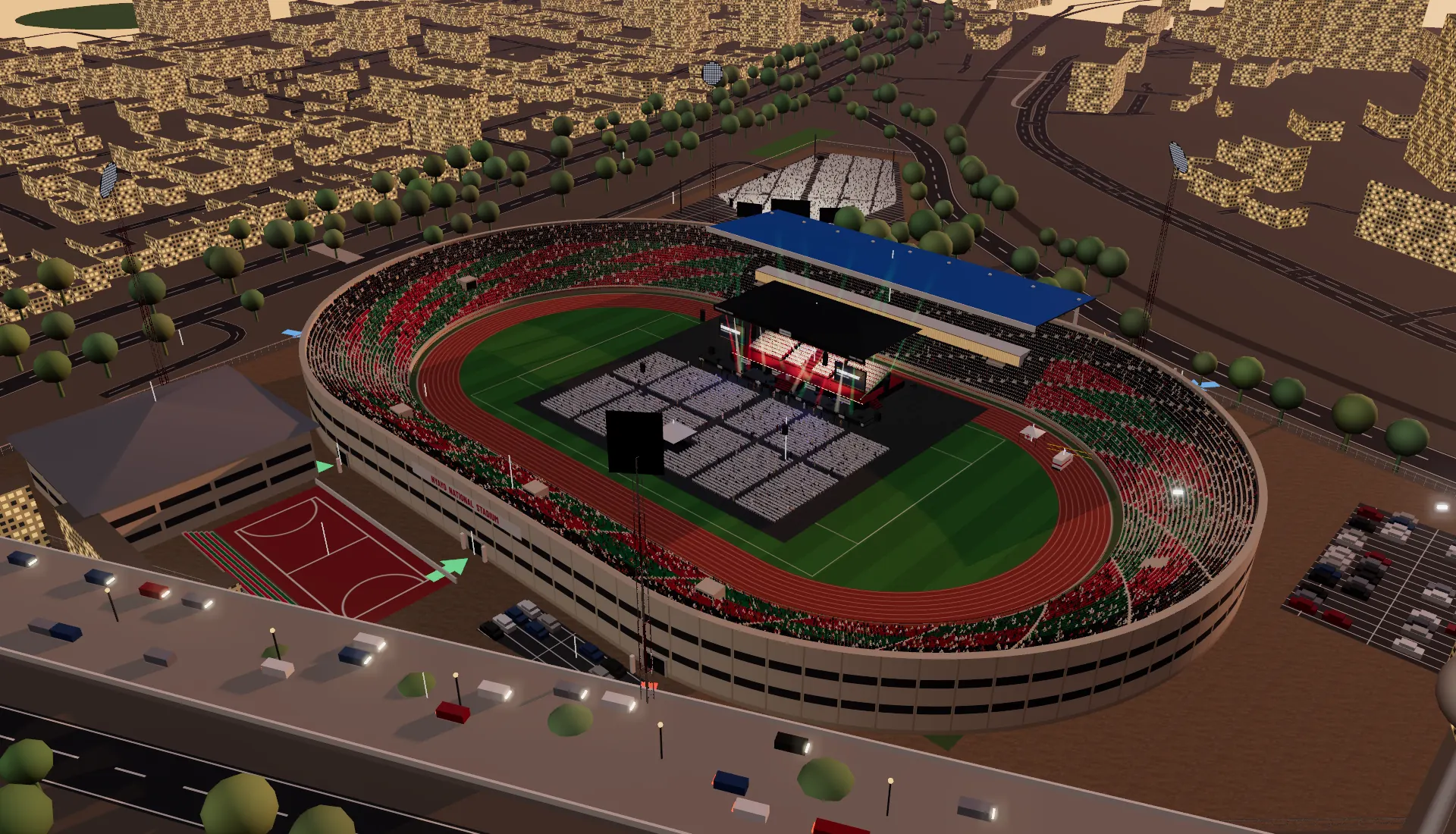
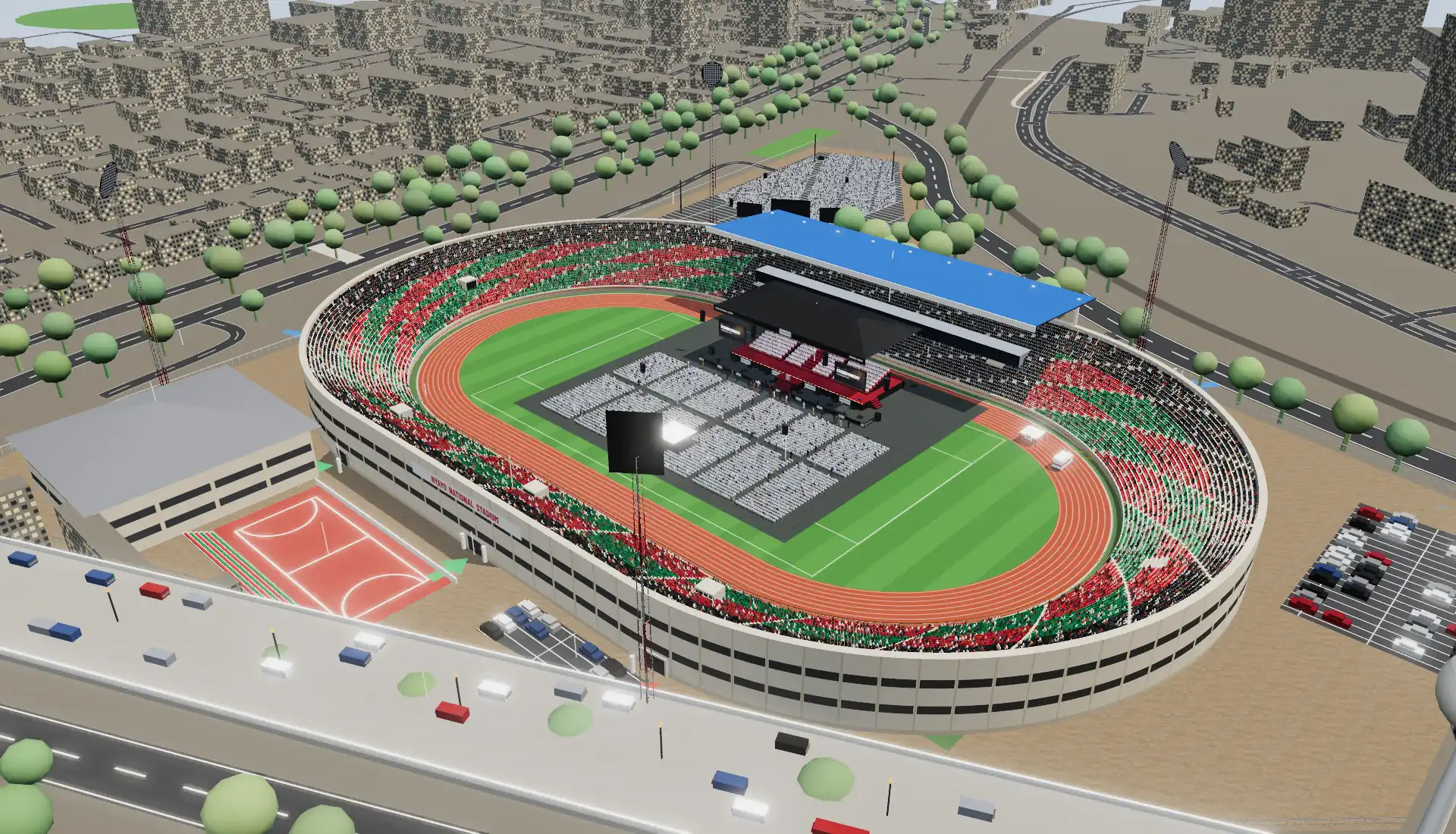
Nyayo National Stadium
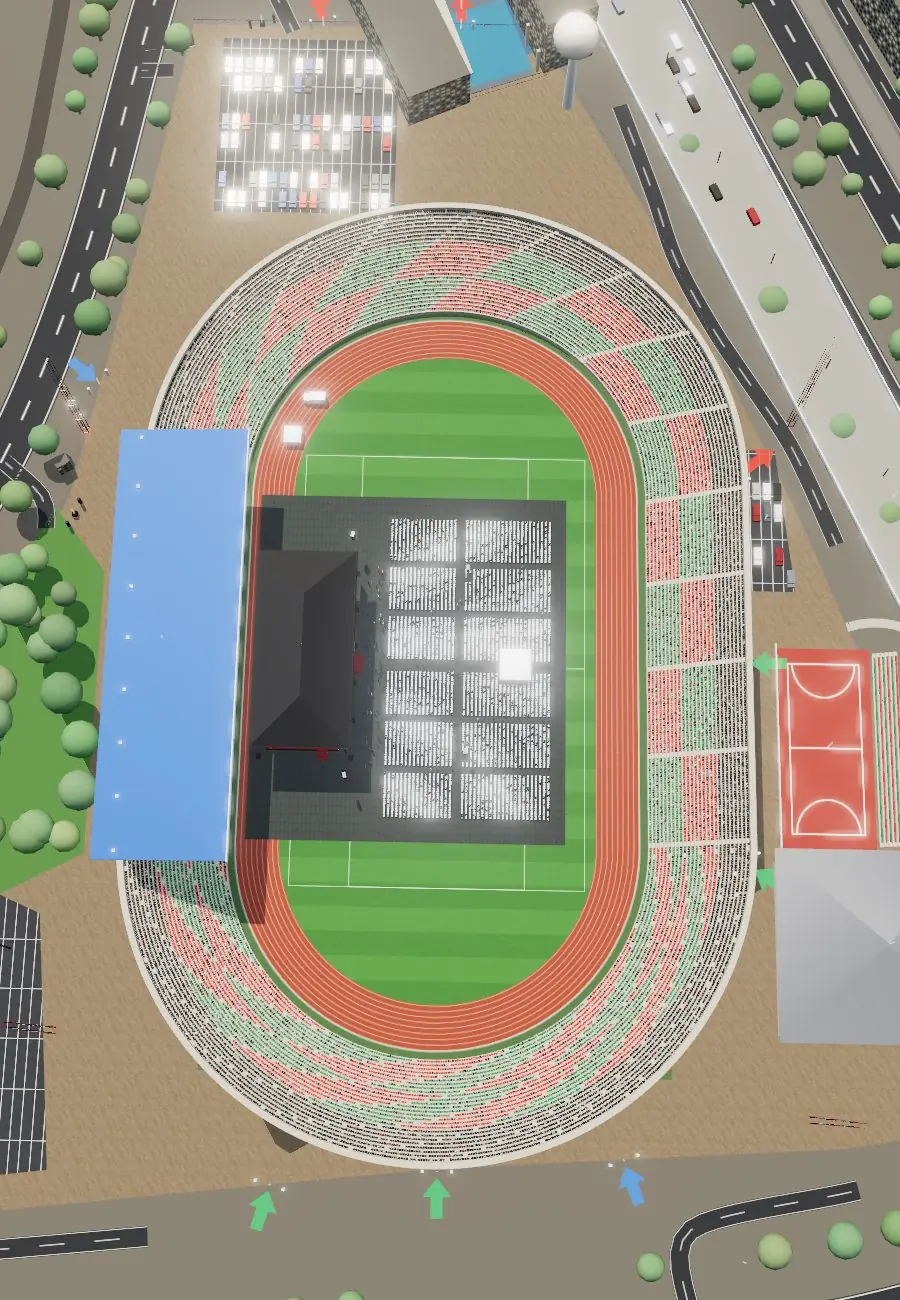
The bowl, stands and gates, the car parks and the roads around it, with a concert stage on the pitch in the stadium concert template.
 Event Map
Pages, sections, templates, event types and docs. to move, Enter to open, Esc to close.
Give your sales team a 3D model of your venue, a layout for every event type with the capacity that goes with it, and one link to send.
 Nairobi · true scale
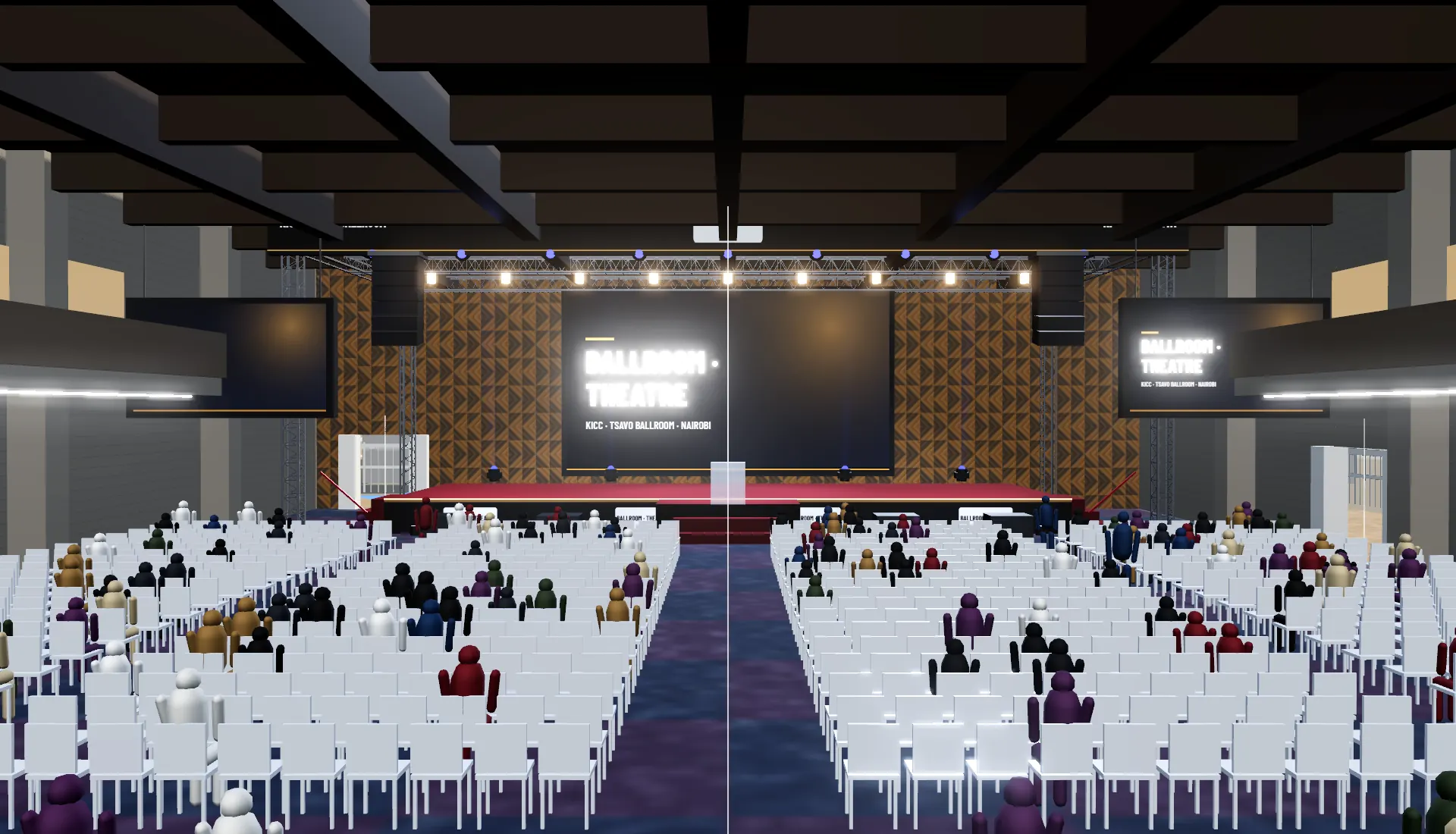
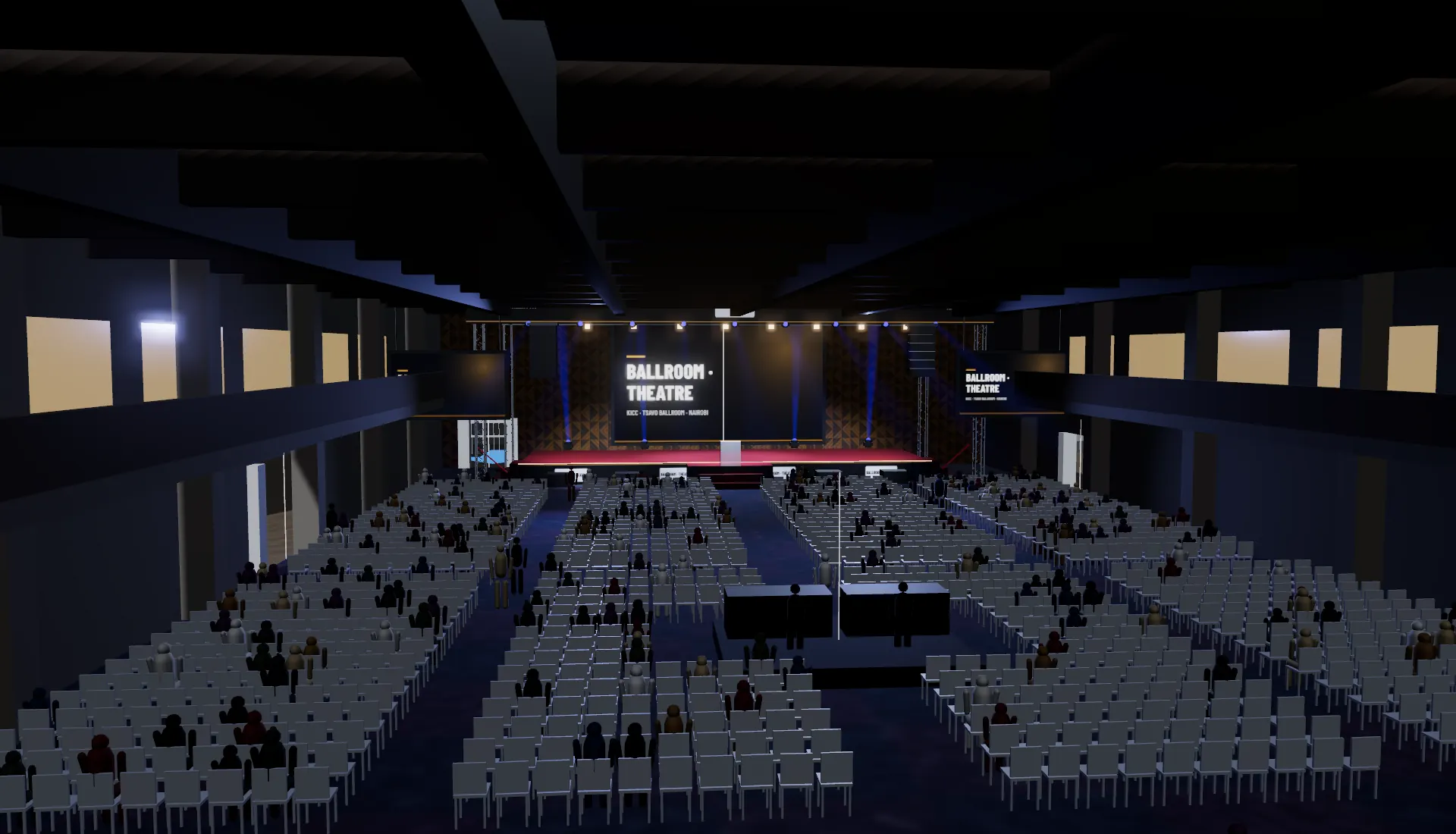
2,654theatre seats in rows, counted in the ballroom theatre template
Your room or your stadium, its entrances and its surroundings, at true scale, with a layout for every kind of event you sell. Clients walk it from their desk, and the planner builds their event on your model.
One model of your venue, shown the way each buyer needs to see it.
 (01)
(01)The room or the stadium, its entrances and its surroundings, at true scale. Clients walk it from their desk before the site visit.
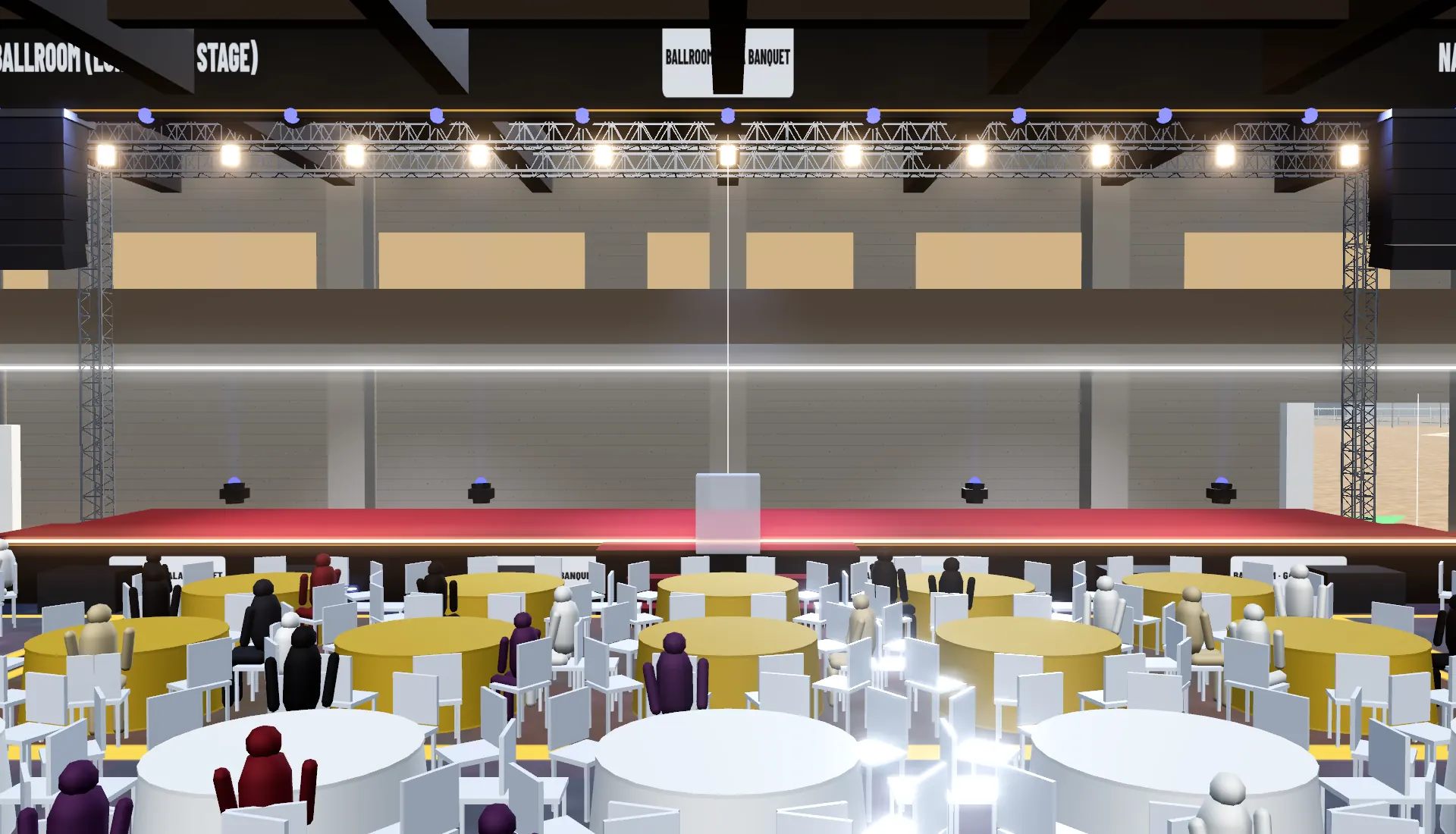 (02)
(02)Theatre rows, banquet rounds, a standing concert or a conference, each set up once and shown in a click, with the head count that goes with it.
 (03)
(03)Capacities, exits, gate widths and clearing times for each layout, ready for the organiser's safety plan.
 (04)
(04)A view-only link per enquiry. The planner builds their event on your model and comes back with a plan your team already understands.
 (05)
(05)Upload the floor plan as an image or a PDF and it is read into walls, doors and rooms, or start from one of 12 venue types sized to your room. A Gaussian-splat scan of the room can be walked with the event standing inside it.
The view a client gets from your link: one model, a layout for every event type.
From the site plan to a link your team can send.
Floor or site plans, a few photos and the capacities you are licensed for.
The room or bowl, doors and gates, fixed seating, and the streets and buildings around it from the map.
One per event type you sell: theatre, banquet, concert, conference, exhibition.
Your sales team sends the link; planners start their projects from your venue.
Examples of the work, not a customer list.
The bowl, stands and gates, the car parks and the roads around it, with a concert stage on the pitch in the stadium concert template.
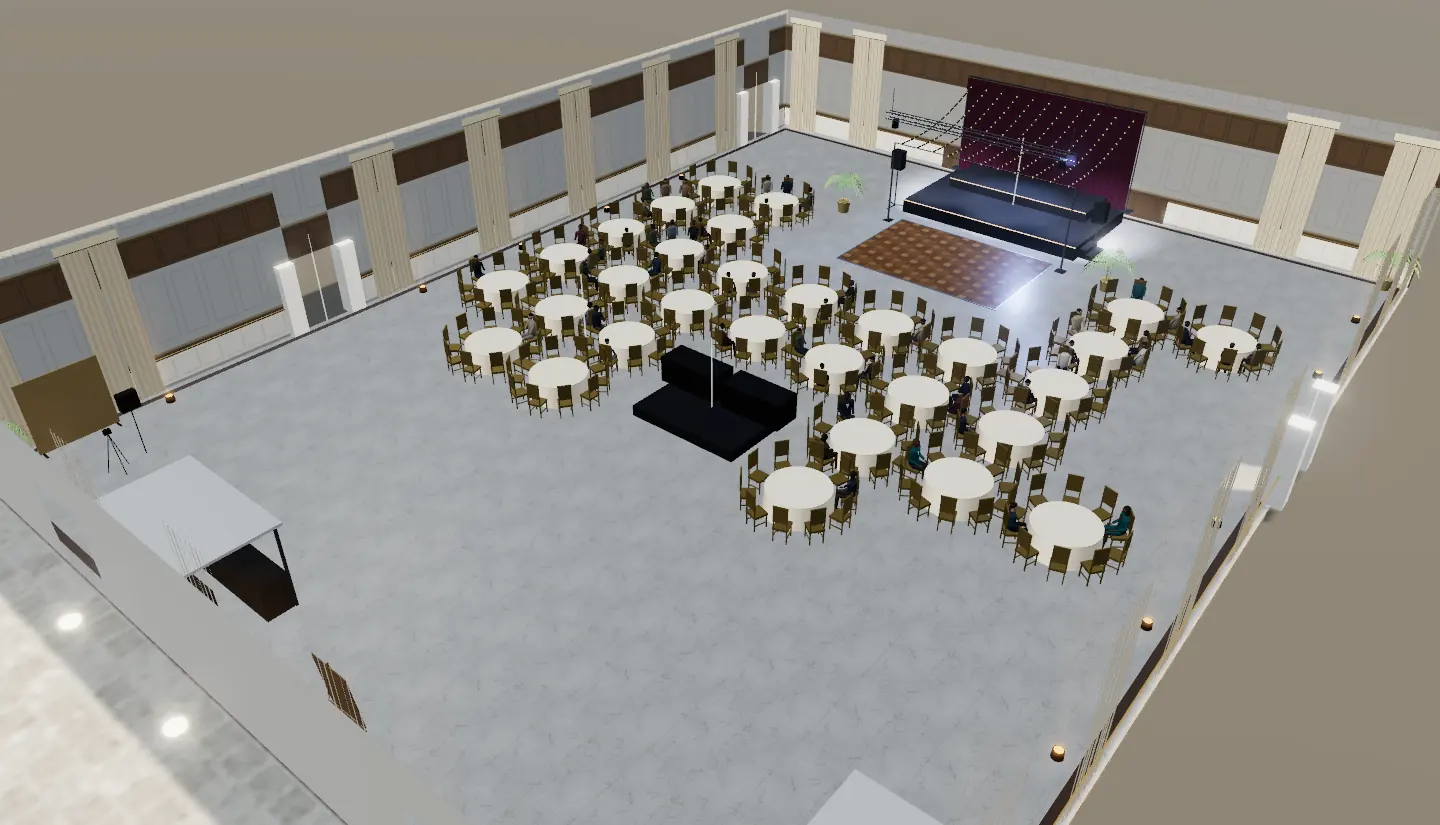
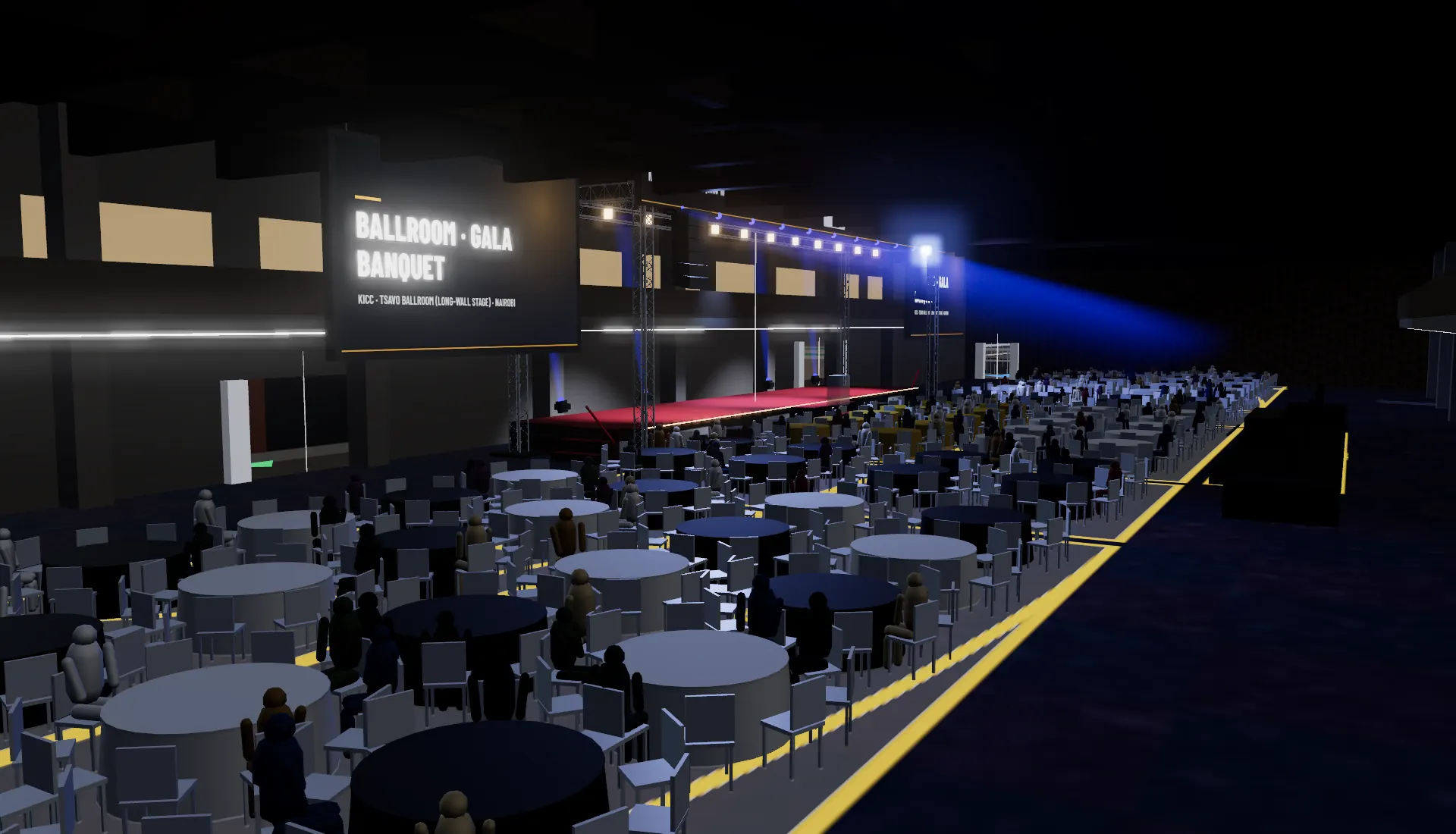
The hall with its gallery and doors inside the conference centre, with theatre and gala banquet templates.
Put your venue on the map.
Tell us which venue you sell. We will reply with what we need from you and what the model would include. This opens an email to us; nothing is sent until you press send.
Planning figures in the model (capacities, exit times) support your safety documents; they do not replace your licence or a safety officer's sign-off.
No. A client view link opens in the browser with nothing to install. Planners who want to build their event on your venue start a free project from it.
Yes. Your organisation's name, logo and colour head the client view and the proposal; the platform shows only a small "Made with" footer.
See pricing. Prices are examples until launch; book a demo for a quote on modelling your venue.
Yes. Every chair in a layout can carry a seat number and a price, and ticketing companies embed the seat map on their checkout. See for ticketing companies.