
Accessibility statement
Our target (WCAG 2.1 AA), what works today, the known limits of the 3D view, the accessible alternatives and how to report a problem.
The legal documents
Our commitment
We want planners, clients, venue teams and ticket buyers to be able to use the service whatever their abilities or equipment. We aim to meet the Web Content Accessibility Guidelines (WCAG) 2.1 level AA on the website, the dashboard, proposals and the seat-map checkout.
What works today
- Every page has landmarks, a skip link, headings in order and a visible keyboard focus.
- The site menu, dropdowns and the phone menu work with the keyboard and screen readers (Esc closes them).
- Settings in the 3D pages (the gear menu): four text sizes, dark, light and high-contrast themes, a choice of accent colour, colour-blind safe colours for the seat, sound and density maps, and reduced motion. The marketing site follows the same text size, theme and motion choices.
- The site respects the "reduce motion" setting of your device.
- The website pages are checked at phone width (390 px) and desktop width for sideways scrolling on every build.
Known limits
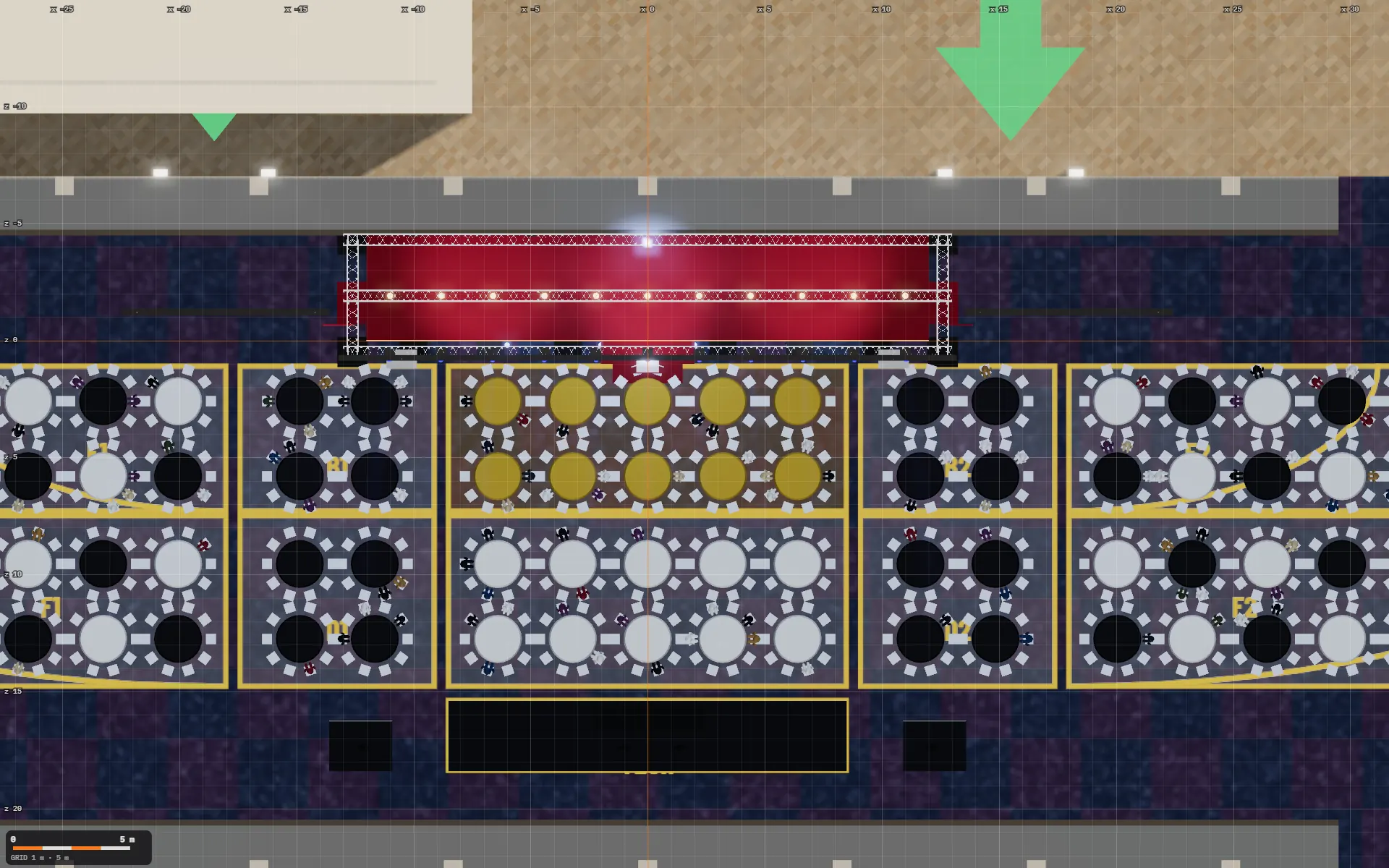
- The 3D view. A 3D scene cannot be fully described to a screen reader, and orbiting it needs a pointer or touch. The key facts it shows (capacities, exits, zones, the equipment list) are also available as text in the Capacity & safety sheet and the equipment list.
- Choosing a seat. Picking individual seats on the 3D map needs a pointer. The full alternative is the seat list: choose the number of tickets, then section, row (or table) and seat with form controls, fully usable by keyboard and screen reader, with announcements of each change and of the hold countdown. Best available also reserves N seats together from form controls, and the basket lists each seat with its tier and all-in price as text.
- The tour video has on-screen captions for each step but no audio description yet.
- Some older proposal and planning pages have not been fully tested with screen readers.
How we test
Automated checks on each release, keyboard-only walkthroughs of the main flows, and screen-reader spot checks (NVDA on Windows, VoiceOver on iOS). We will add testing with disabled users as the product matures.
Tell us about a problem
If something does not work for you, email [Privacy contact email] with the page, what you were trying to do and the device or assistive technology you use. We aim to reply within 5 working days and, for a ticket purchase, to help you complete it another way.
This statement was prepared on 1 October 2026 and will be reviewed at least once a year.